Using the Web Interface
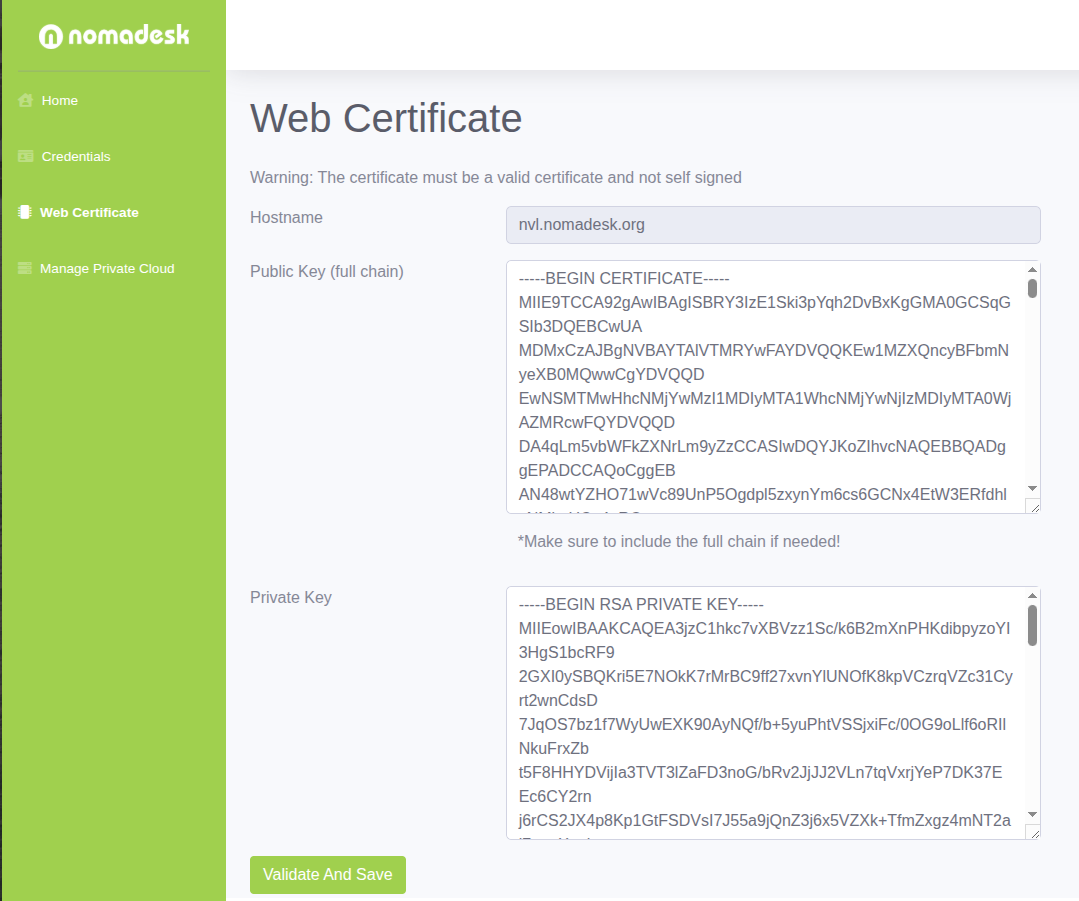
You can update the appliance TLS certificate directly from the Nomadesk management interface.
Steps
- Log in to the web management interface.
- Open the
Web Certificatespage. - Copy and paste the new full chain certificate and private key.
- Save the changes.
If the certificate and key are valid, the new certificate should be applied immediately.
If the certificate is not applied right away, restart the appliance and verify the change again.